
Explore the product catalog
Find the right format for your print project
Browse published products, review their listed specifications, and check each page for confirmed pricing or quote status before ordering.
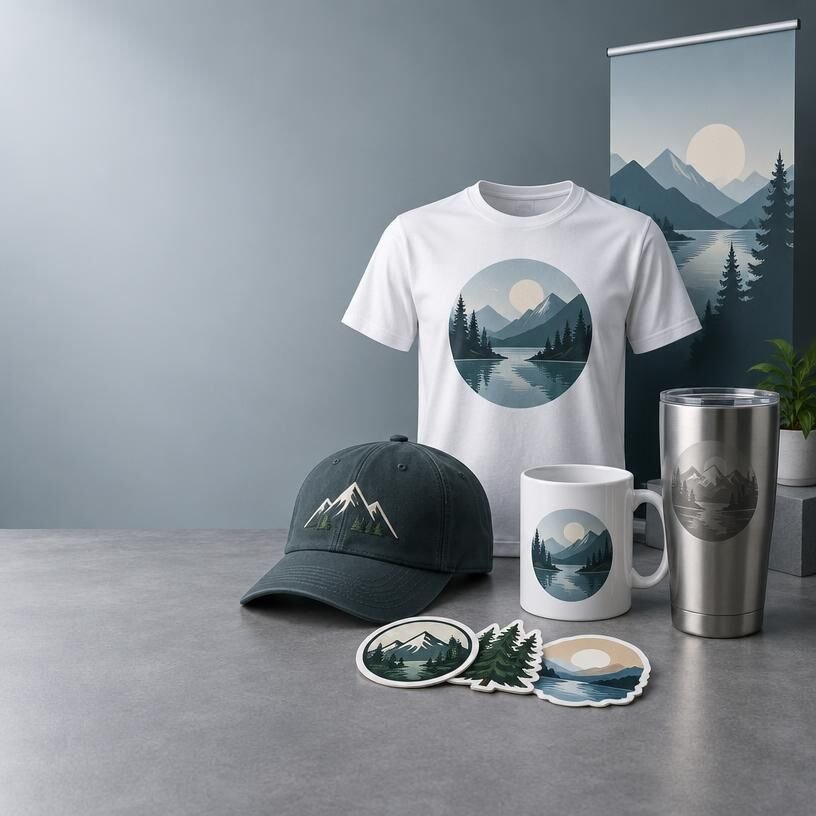
Explore product families
Printed Apparel
Browse published clothing and accessories featuring printed designs.
Banners & Displays
Find published display products for events, spaces, and promotions.
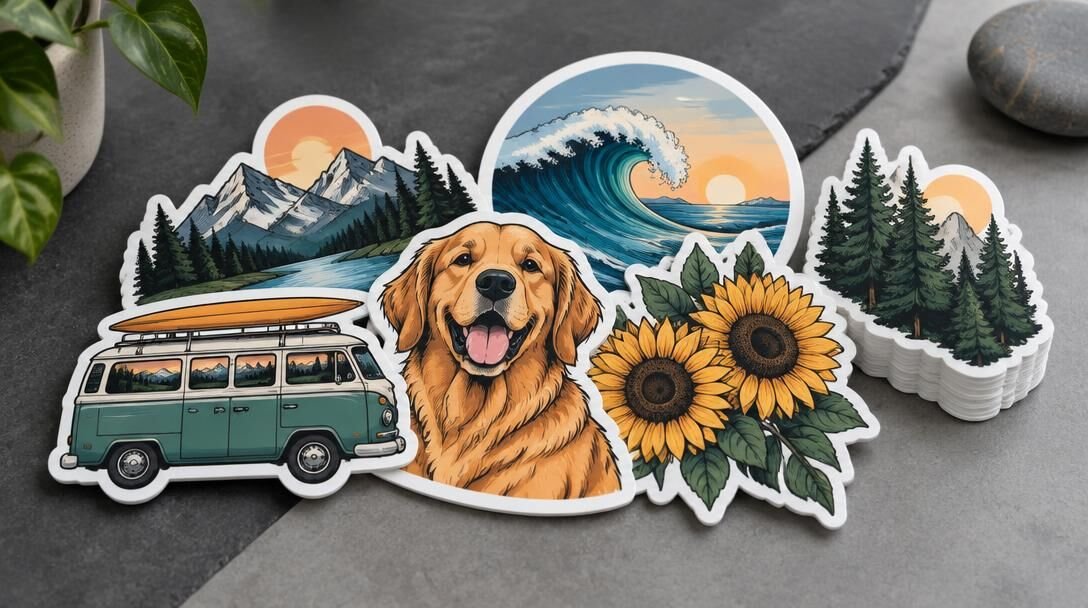
Stickers & Decals
Explore published adhesive graphics and review each product’s listed details.
Embroidered Apparel
Discover published garments finished with stitched designs.
Embroidered Patches
See published patch products and their available specifications.
Sublimation Products
Explore published items decorated with full-color sublimation artwork.
Laser-Etched Products
Browse published products with engraved designs and material-specific finishes.
All Products
View the complete published catalog in one place.
Browse published products
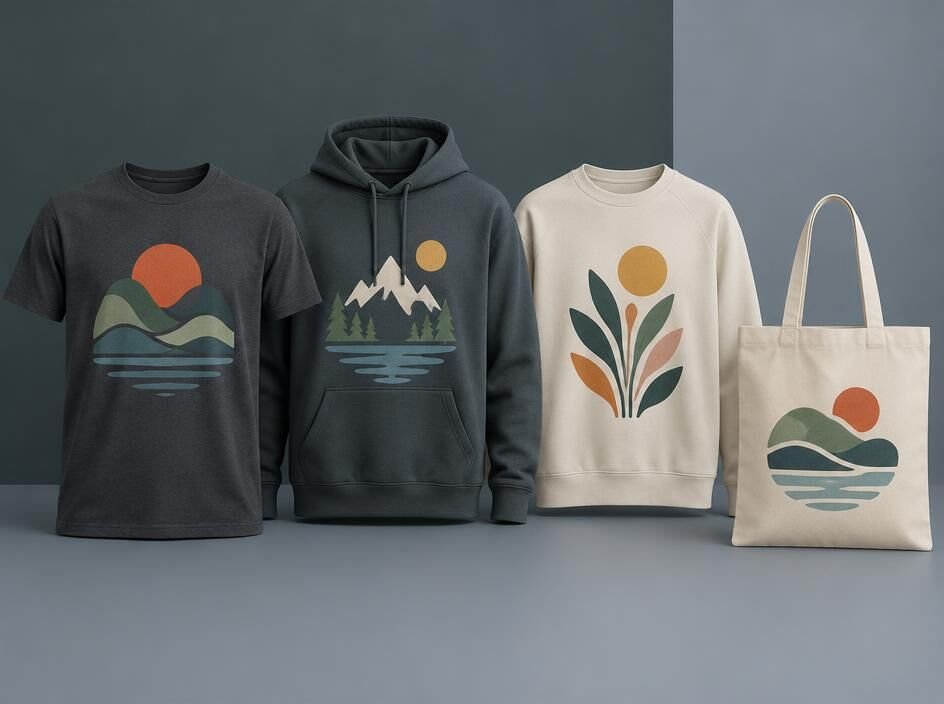
Printed Apparel
Clothing with custom graphics
Check individual product pages for available garments, specifications, and pricing or quote status.
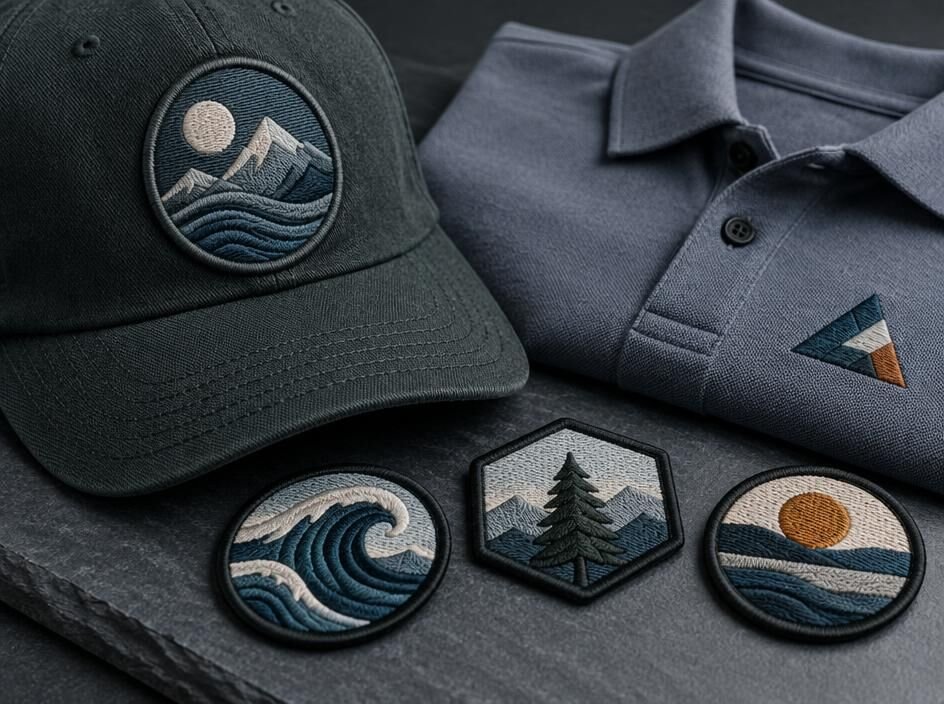
Banners & Displays
Graphics for spaces and events
Explore published display products and confirm available details on each listing.
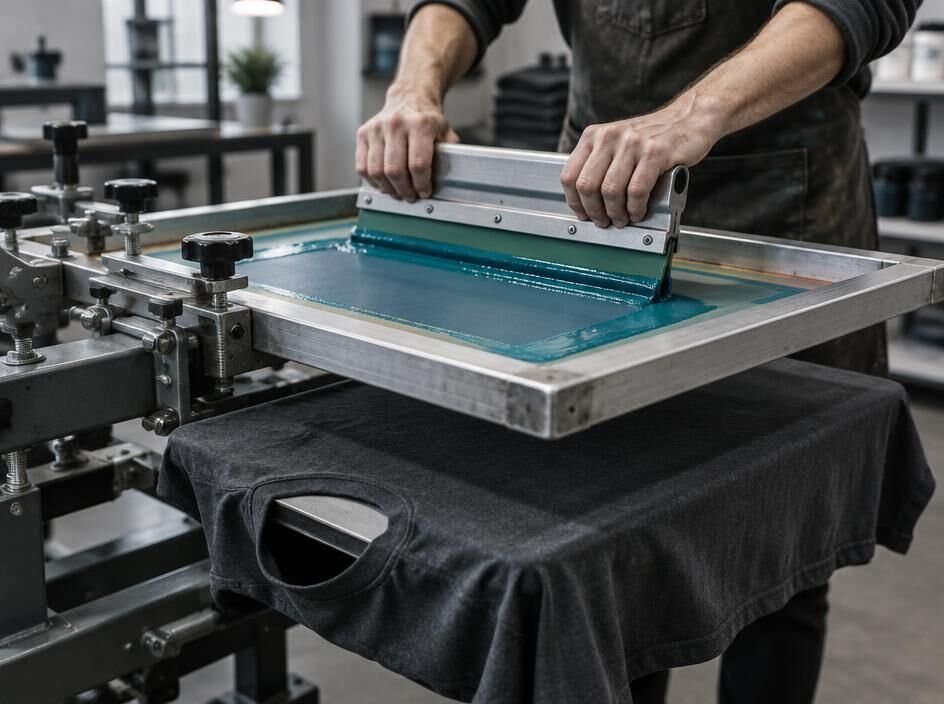
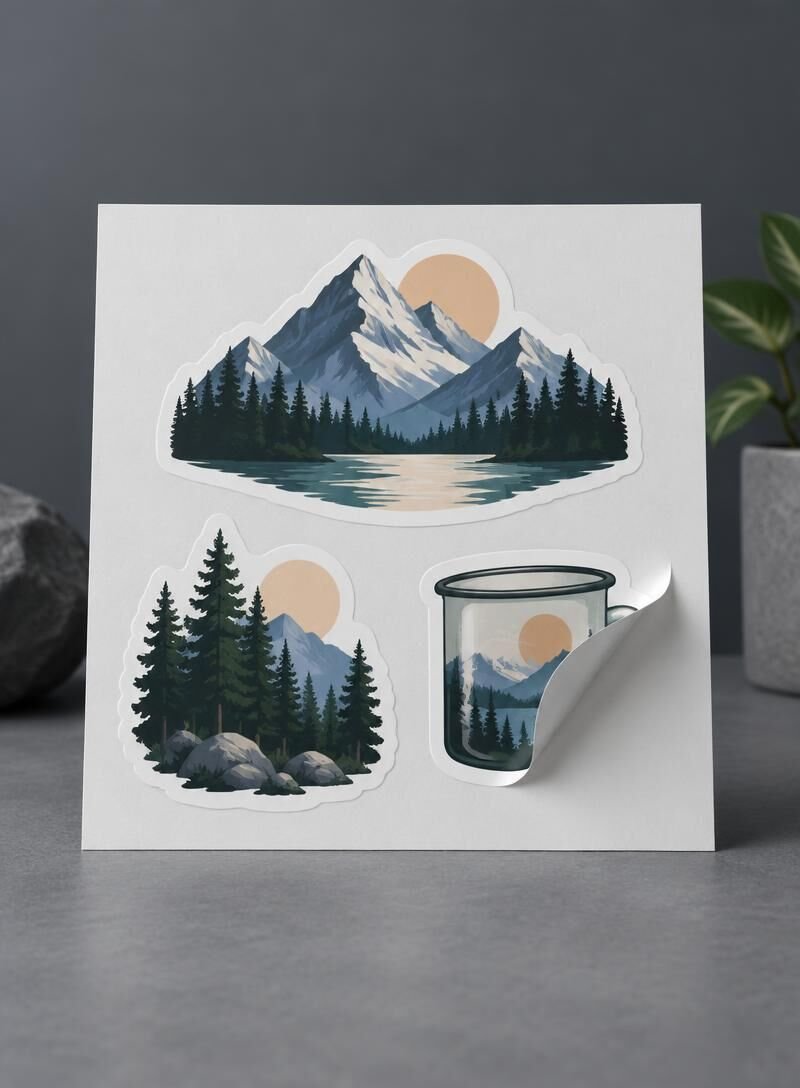
Stickers & Decals
Adhesive graphics for your project
Review published sticker and decal listings for confirmed specifications and ordering information.
Find the Right Product
Step 1
1. Browse the catalog or search for a product across apparel, banners and displays, stickers and decals, embroidered apparel and patches, sublimation products, and laser-etched products.
Step 2
2. Open a product page to review its listed materials, sizes, finishes, and other confirmed specifications. Available choices vary by product.
Step 3
3. Check the product page for published pricing. If pricing is not shown and the item is marked for a quote, request one before placing an order.
Explore What’s Available
Apparel & Embroidery
Browse printed apparel, embroidered apparel, and patches. Check each listing for confirmed garment details and decoration choices.
Banners & Displays
Find banners and display products, then review the dimensions, materials, and finishing details published for the specific item.
Stickers & Decals
Compare sticker and decal listings using their confirmed sizes, cut styles, and quantities; options may differ between products.
Sublimation & Laser Etching
Explore products made for sublimation or laser etching, and select only the materials and customization options shown on each listing.
Preparing Your Artwork
If a product has a configured and tested artwork-upload option, follow the file requirements displayed on its product page and upload your artwork at the indicated step. Requirements may differ by product, so check the listing before submitting a file. If no upload option appears, do not assume artwork can be attached during checkout; contact us to confirm how to provide it.
Product Questions, Answered
Find out how to check product details, pricing, and quote availability before you order.
Where can I find a product’s specifications?
Browse the catalog by product family, then open a product page to review its listed materials, sizes, finishes, and other available specifications. If a detail is missing, contact us before placing an order.
How do I know whether a price is confirmed?
A product price is confirmed only when it appears on the published product page for the options you select. If no price is shown, request a quote rather than assuming a cost.
What if an item is quote-only or its details are unavailable?
Send us the product you’re interested in, your quantity, and any size or artwork requirements. We’ll help clarify available specifications and provide a quote when the details are confirmed.
Need a hand choosing?
Ask Ion Graphix About Your Project
If a product’s specifications or price aren’t confirmed in the catalog, get in touch with your project details. We can help you identify a suitable option or request a quote.
Address
Ask for our current business address before arranging a visit or pickup.
Phone
Request our current phone number to discuss your project.